Sensor Installation
- Record Machine Name
The machine name that the sensor will be installed on is very important and will be used in the setup process in your portal.
- Record Sensor MAC Address
The Sensors MAC address can be found on one of the ends of the sensor. It is identified by "MAC ID: ". This will also be used during the setup process in your portal to setup the machine.
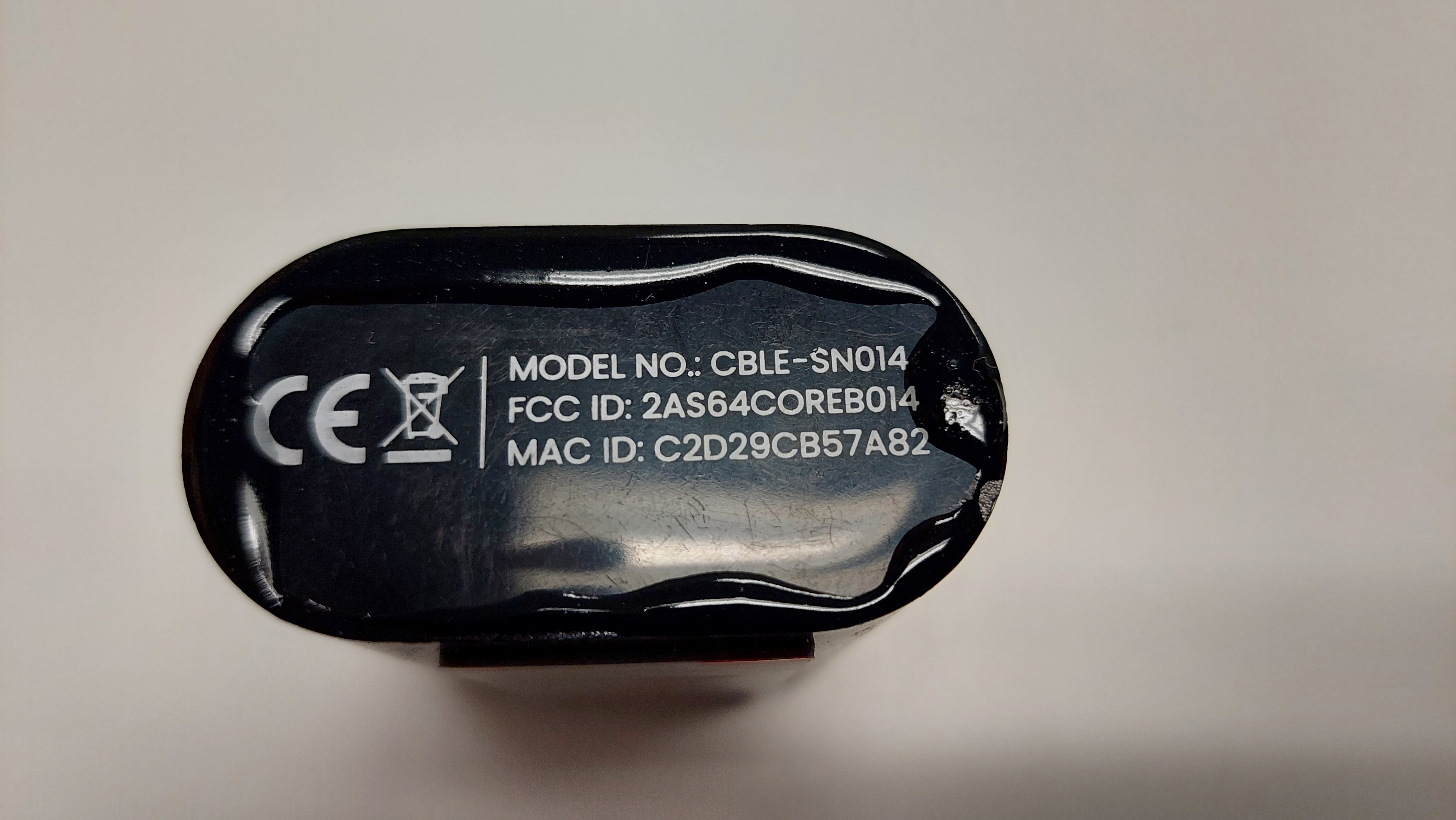
- Installation
Safety
The following safety equipment is recommended to be worn when handling the sensor:
Thick Gloves - To prevent pinching of skin

Safety Glasses - Magnet contact surface with excessive force and shatters.

You sensor comes with a preinstalled N52 rare earth magnet. This means that your sensor can be easily installed on any magnetic surface of your machine that vibrates when running., We recommend placing it as close to a motor as possible so that more vibrations are picked up. When placing the sensor care should be taken so that the sensor doesn't jump out of your hand and damage the machine.
To install your sensor do:
1.Put on safety gloves and glasses. 2.Find suitable area where sensor can be installed. 3.Pick up sensor taking care not to place it near unwanted magnetic surfaces. 4.With control place it on the chosen area.
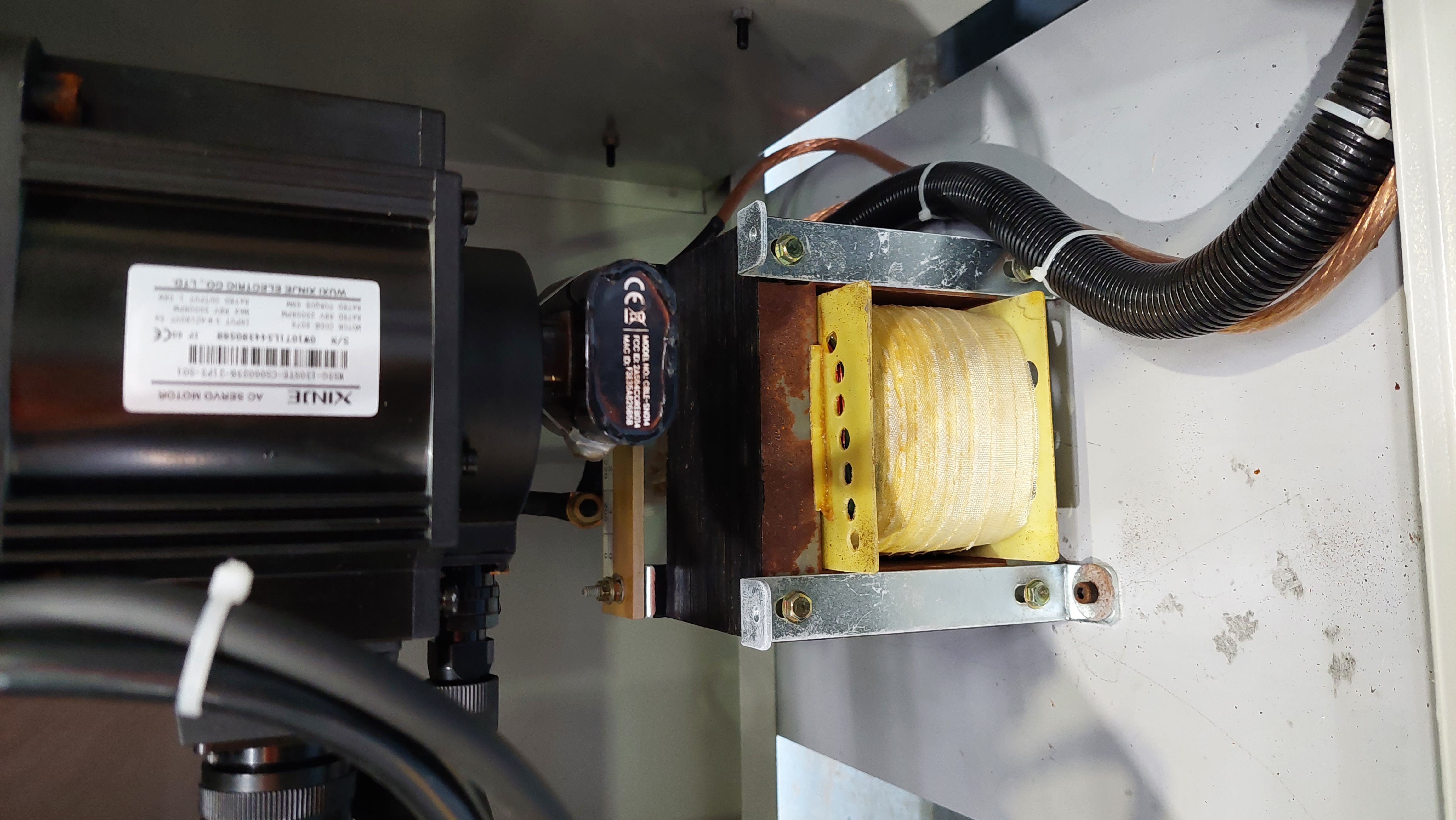
Prevent Damage
The sensor should not be where:
-
CRUSHING CAN OCCUR
-
Where it will be sprayed/submerged with COOLANTS or OILS
4.Maintenance
Depending on the environment the sensor may become covered in metal shards. This overtime can have an impact on the gateway being able to receive the sensors transmissions. To prevent this from happening the sensor can be cleaned by blowing compressed air over it to remove any metal filings that may have attached it self to the sensor.