Gateway Installation - Black
1. Record Area Name
The name of the area will be used when setting up your gateway as a reference.The name of the area will be used when setting up your gateway as a reference. For example if the gateway will be installed in Engineering that can be used to name the gateway so it is easily identified when checking gateway statuses in the future.
2. Record Gateway MAC Address
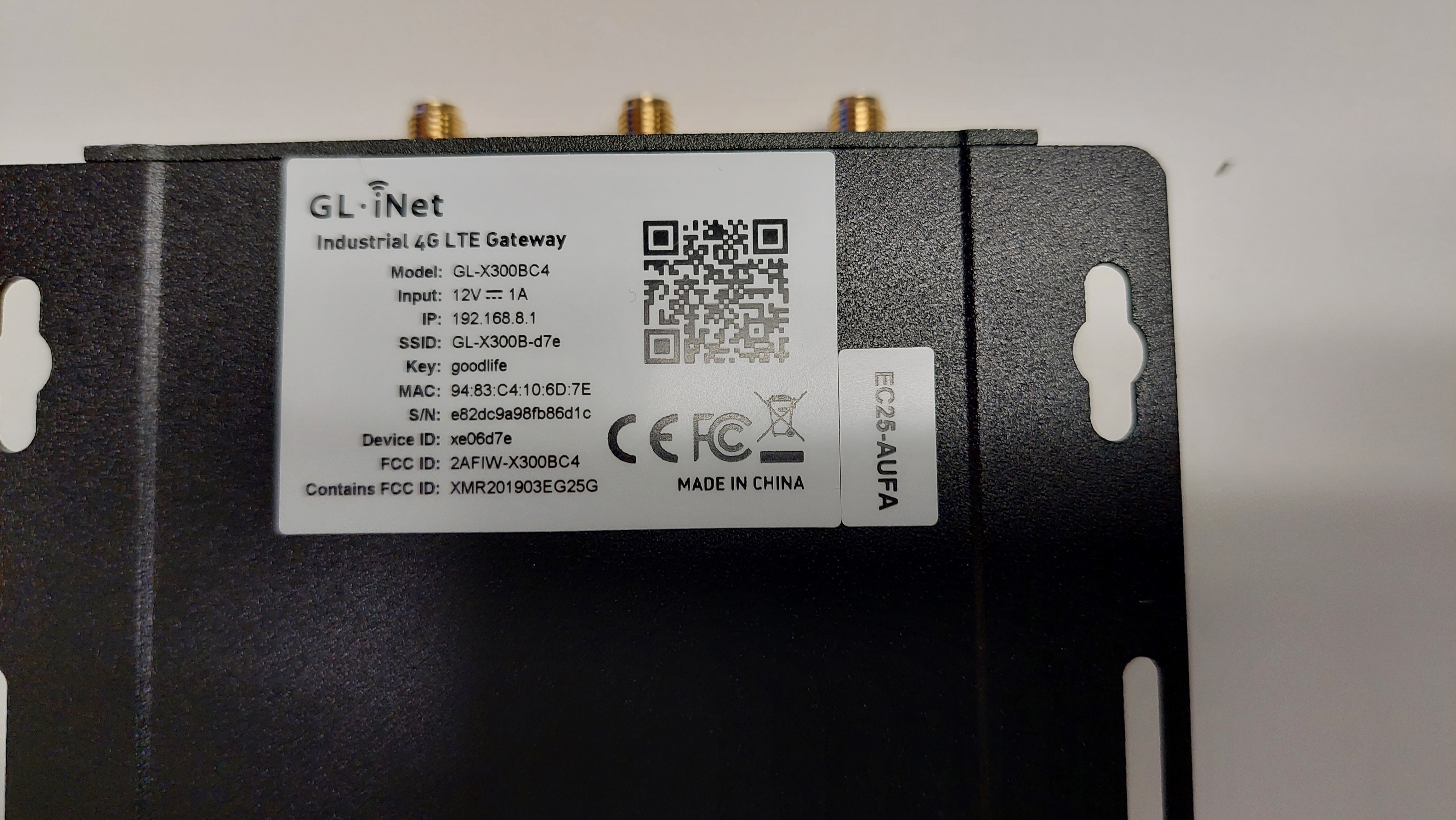
The MAC address of the gateway can be found on the base of the unit, identified by ''MAC:''
3. Installation
Whats included
-
1x Gateway
-
2x 2.4G/5G (Female) terminated antennas
-
1x 4G (Male) terminated antenna
-
1x Power Adapter
-
1x GPIO Adapter
-
Mounting Screws
Antenna Installation
-
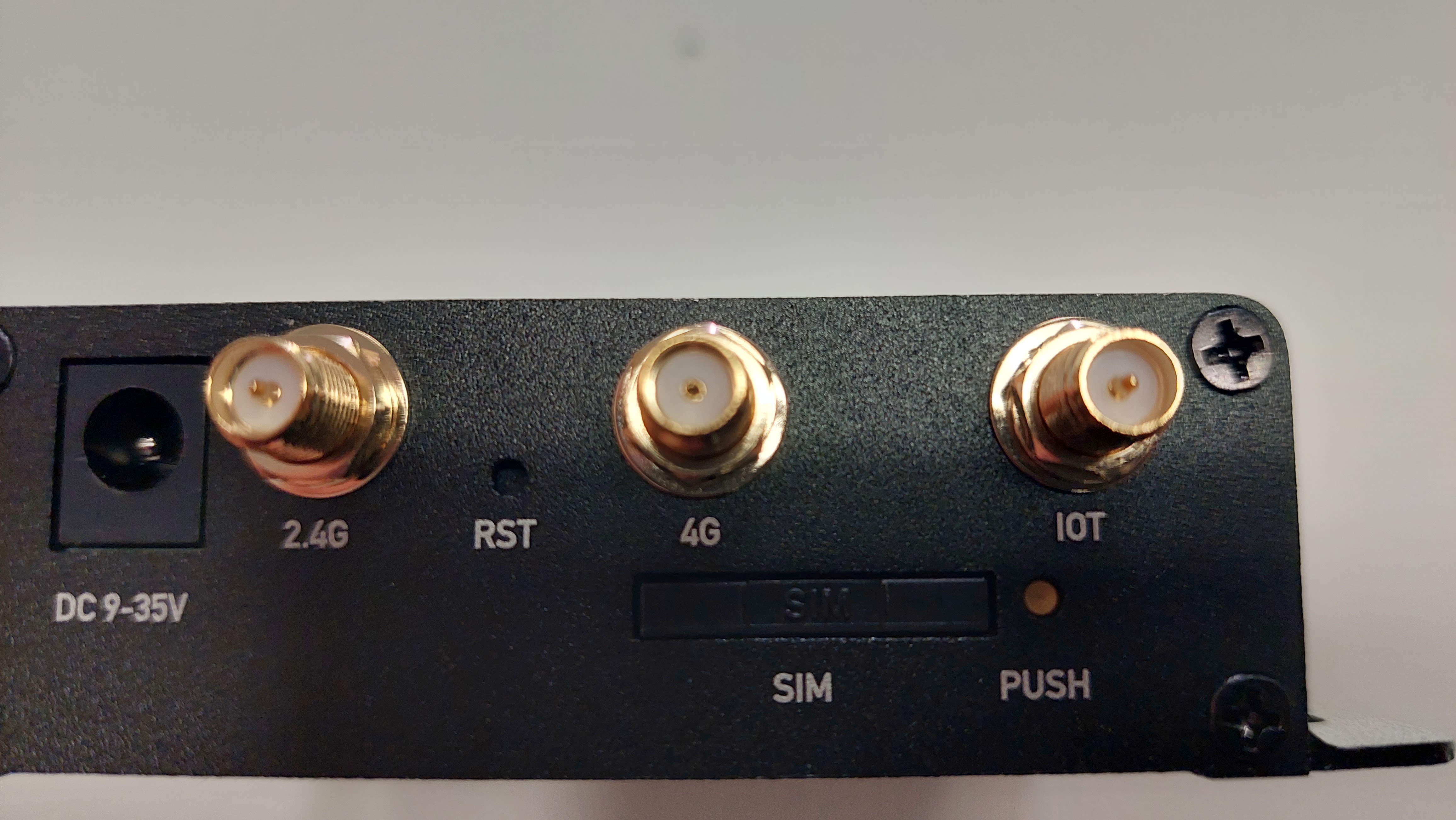
Remove red caps of antenna points.
-
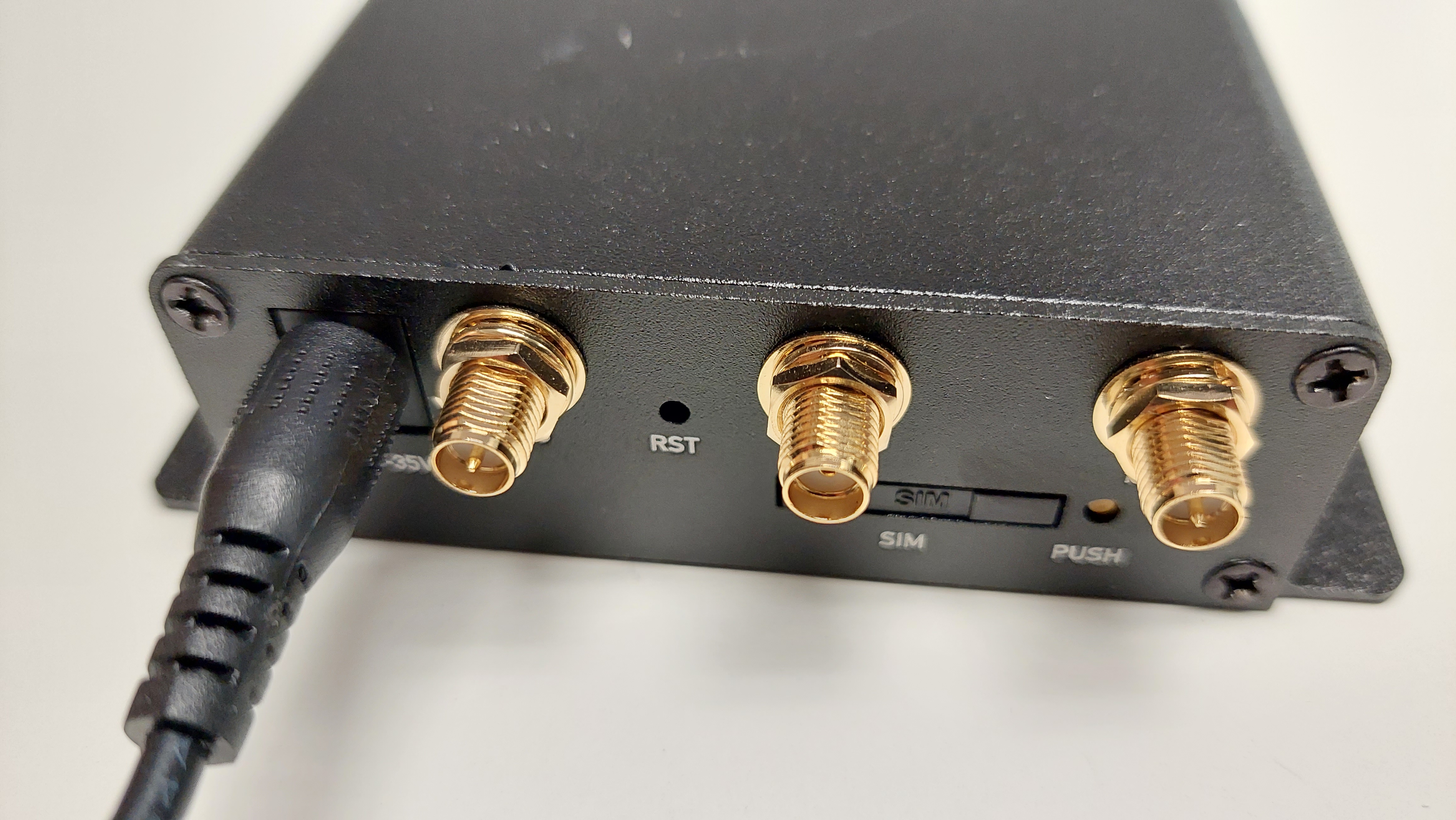
Screw a 2.4G antenna onto 2.4G point.
-
Screw 4G Antenna onto 4G point.
-
Screw 2.4G antenna onto IOT point
Power
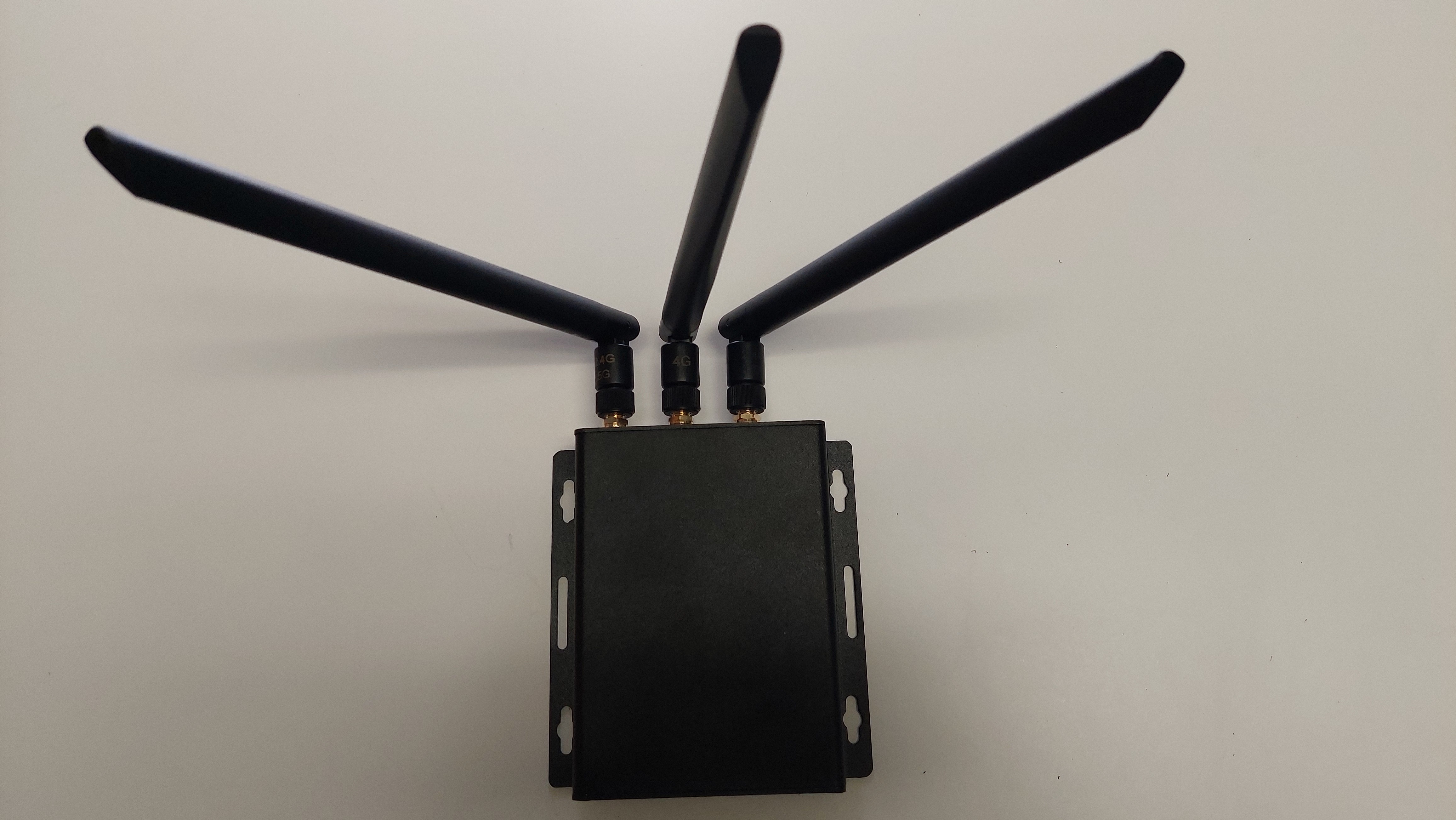
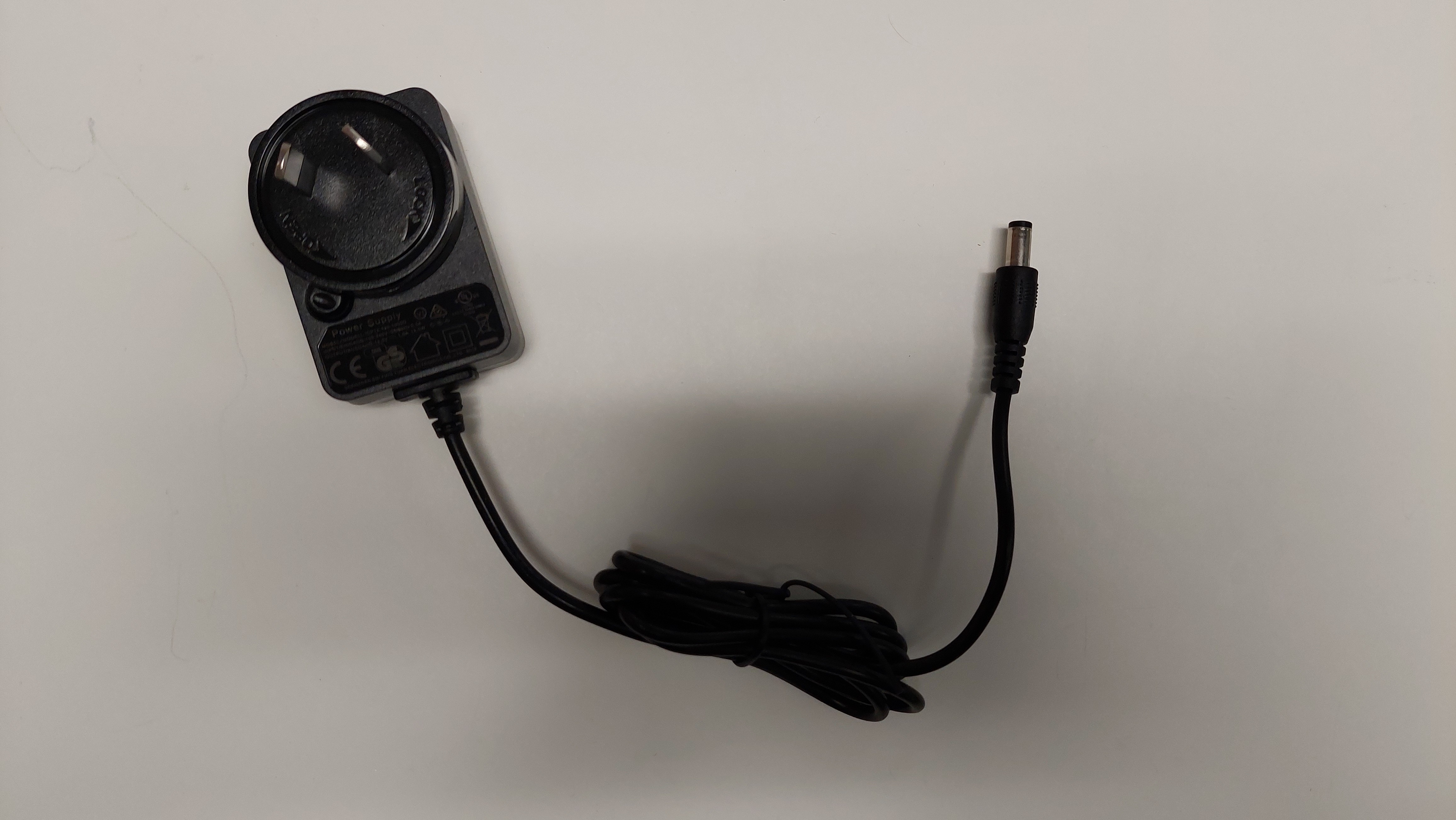
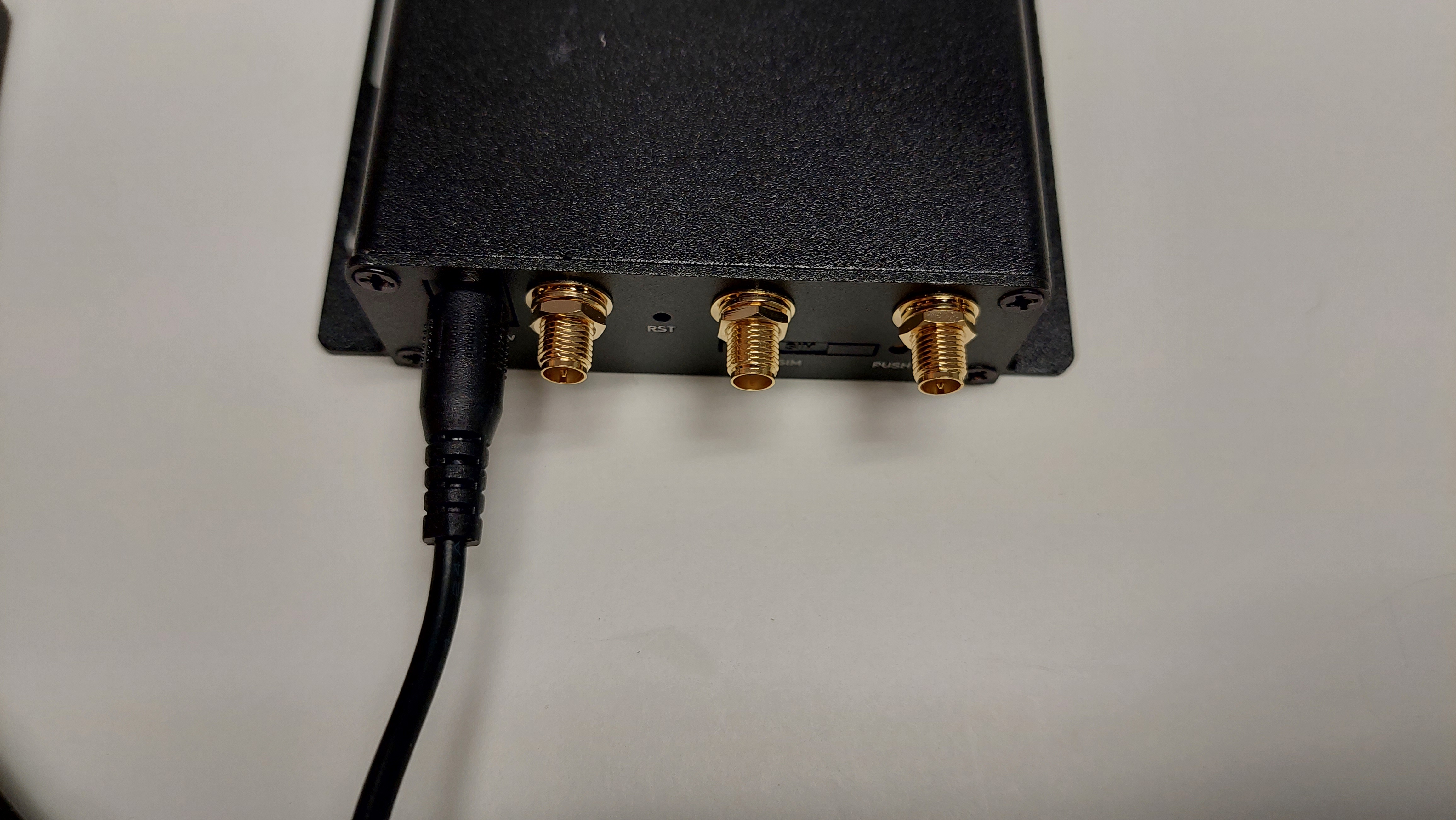
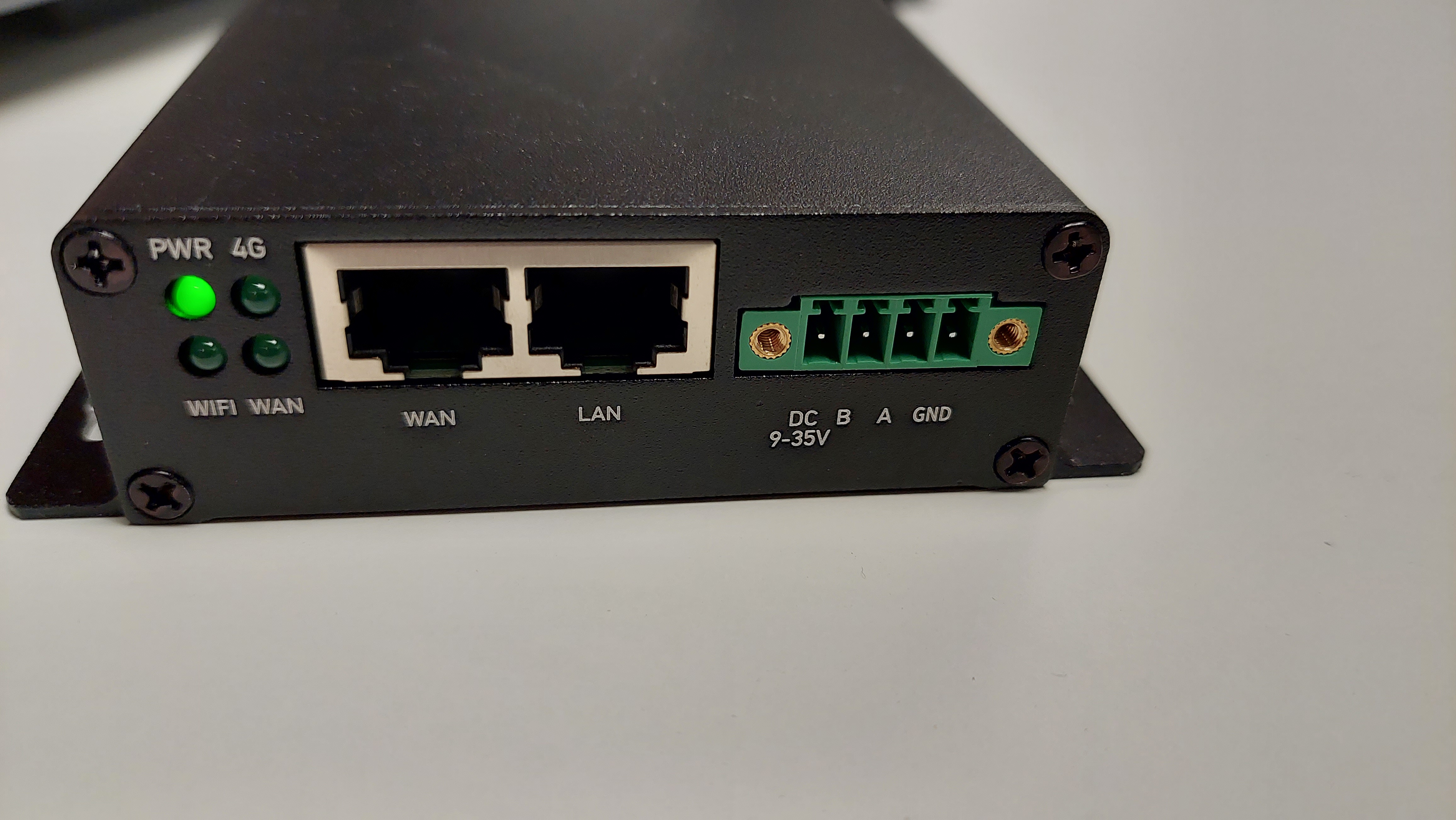
Our gateway has the ability to be powered via mains with the included power adaptor or via 9-35V DC power. If using DC power the cable the included adaptor like this:
Mounting
The gateway can be mounted by zip ties to a pole or via the mounting holes onto a wall. Depending on you wall type use a common recommended method to mount an object onto it.